Live caller ID validation
CLI testing checks whether the caller's number is transmitted and displayed correctly during real inbound calls.
Unetwork task guide
Validate caller ID delivery with real inbound calls on live mobile networks. Report what your phone actually received.
Why it matters
Caller Line Identification testing checks whether the caller's number is transmitted and displayed correctly to the receiving device.
CLI testing checks whether the caller's number is transmitted and displayed correctly during real inbound calls.
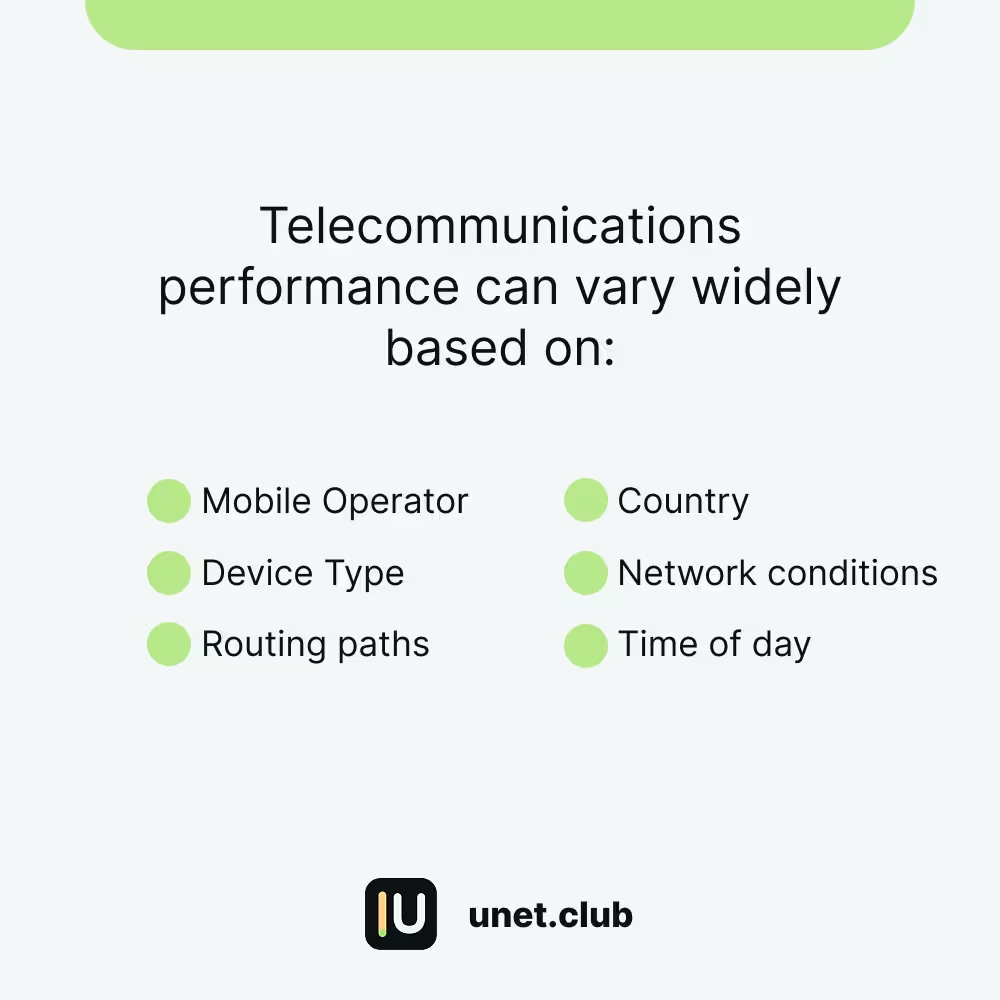
Real devices help show how call delivery behaves across countries, carriers, device types, and routing paths.
Accurate caller ID supports call quality, fraud reduction, customer trust, and telecom compliance.
Operator mindset
Your job is not to guess what the caller ID should have been. Your job is to report what actually appeared on your device so Unetwork can verify real delivery behavior.
If the number looks unusual, report it exactly as it appeared. Your job is not to decide what it should have been.
CLI calls are focused on delivery verification and reporting. Answering the call is not required.
If you miss the call, check the app. CLI tasks include a reporting window for submitting the observed call event.
Requirements
CLI tasks rely on real telecom infrastructure. The device needs an active mobile line, app access, and enough background availability to receive task prompts.
Use an active Unetwork license connected to the app.
Enable Caller ID Testing in the app and follow the on-screen number validation steps.
Your line must be able to receive incoming mobile calls. Wi-Fi alone is not enough for CLI tasks.
Keep notifications enabled and allow the app to operate in the background where possible.
Reduce restrictive battery optimization or power-saving settings when they block background activity.
Keep the Unetwork app updated so call notifications and reporting remain reliable.
How it works
CLI calls look like regular incoming calls. The task is complete when the call event is reported and validated in the app.
When a CLI test is available, the app can send a push notification and in-app prompt.
The call appears like a normal inbound call. You do not need to answer it.
Submit the displayed number exactly as your device showed it within the available reporting window.
After a valid report is completed, rewards are handled through the Unetwork app.
Rewards
The current estimate is a reference range, not a guarantee. Actual rewards can vary by test outcome, country, operator, customer demand, and validation.
Task distribution
Operators should not expect identical CLI task volume across all devices or regions. Call tests are assigned when online numbers match the requested country, carrier, and campaign needs.
Common questions
Caller Line Identification testing verifies whether the caller's number is transmitted and displayed correctly during real inbound calls on live networks.
No. The task is about call delivery verification and reporting. If a call arrives, report what appeared on your device.
Missing the call does not automatically mean the task is lost. Check the app because CLI tasks include a reporting window after the call event.
Report the number exactly as it appeared on your device. Do not edit it, normalize it, or guess what it should have been.
No. Wi-Fi can help keep the app connected, but CLI calls arrive through the mobile line. A SIM or eSIM that can receive calls is required.
Yes. CLI tasks are supported on iOS even when PoW connectivity indicators appear offline because of background restrictions.
The current estimate is 0.05 to 0.2 UPs per call reported. Rewards are not guaranteed and can vary by test outcome, country, operator, demand, and validation.