Unetwork provides
- Network verification tasks
- Instructions and task status
- Validation results
- A reward balance for approved work
Unetwork in Ghana
Unetwork gives eligible devices network verification tasks. Complete them to earn rewards.
Tasks and reward amounts vary by device, location, connection, mobile network and current demand.
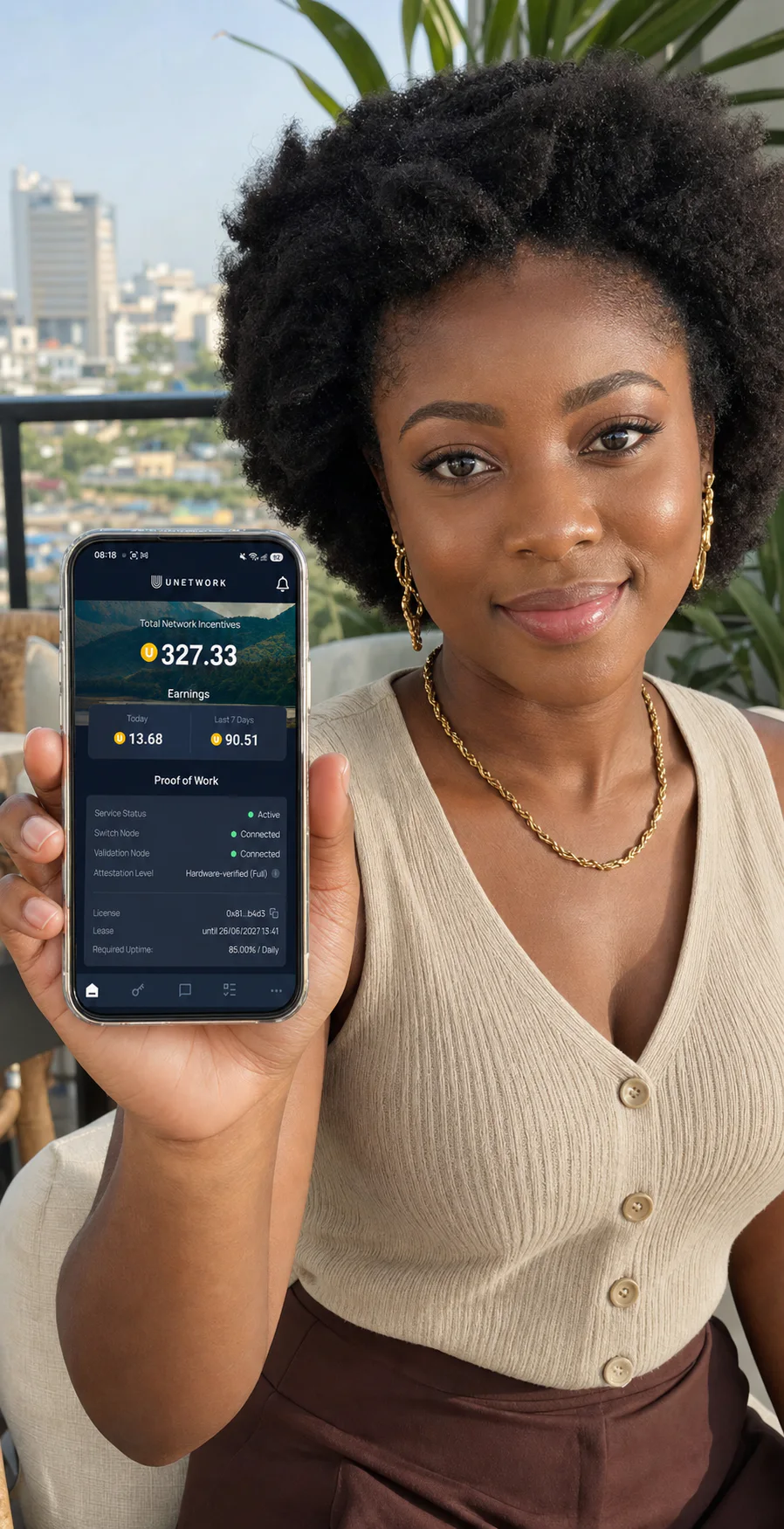
Building network intelligence
Telecom companies need to know how their networks perform outside a lab. Unetwork coordinates checks on participating phones and turns the results into useful intelligence.
The app coordinates telecom checks based on network demand.
Task requirements depend on your device, connection, mobile network and region.
Results show how routes and connections perform, helping service providers reduce fraud, optimise networks and control costs.
A reward follows completed work.
The work, clearly explained
Your phone contributes real-world observations. The app connects you to available network tests and rewards you for your participation.
Unetwork provides
You contribute
Some tasks use data and battery. Read what each task does and what it uses before opting in. You can pause a task when you choose.
Simple to start
Get a code, install the official Unetwork app, then choose the tasks you want your phone to complete.
Read the full setup guideYour code will arrive directly in your mailbox. You need one code for each device.
Get a licence codeDownload Unetwork directly from Google Play or the App Store.
Read what each task does and what it uses before enabling it. Available tasks can earn you UP rewards.
What are Unetwork tasks?
Some tasks run automatically, while others require your input. The app shows the tasks currently available for your device.
Runs in the background and measures network quality, uptime and device conditions. Keep the app active and your phone connected.
Receive a test call and report the caller ID shown on your phone. This helps confirm that the caller ID stayed correct during the call.
Receive a test message and report whether it arrived and which sender ID appeared.
Tests whether calls connect correctly across countries and mobile networks. A supported international calling plan is required.
Repeats verified call tests to detect changes in connection and call quality. A supported international calling plan is required.
Runs quietly in the background and lets eligible devices contribute secure randomness while connected.
Withdraw your rewards
Complete identity verification, then withdraw your UP rewards to a supported crypto wallet or bank account.
Crypto wallet
5–150 UPComplete identity verification, then send rewards to a supported wallet using the correct asset and blockchain network.
Bank account
200–1,000 UPReceive USD, EUR or GBP by bank transfer after completing the required identity check.
Limits, fees, currencies and route availability can change. Review the current details in the portal before submitting.
Support
Unetwork Club provides licence access and setup support. Use the official support team for the app and tasks.
Simple answers
Short answers about taking part in Ghana.
Eligible devices in Ghana can receive tasks. What appears in the app depends on your device, location, connection, mobile network and current demand.
No payment is needed to participate. A licence is needed to let your device run the app, and you need one code per device.
No. Task availability depends on your phone, connection, mobile network, location and current demand.
Some tasks use data and battery, especially when they run in the background. Read what each task does and what it uses before opting in.
No. Rewards are added after completed work is checked. Task availability and reward amounts vary.
Unetwork does not collect any personal or identifying information from Unetwork License Operators. The system only records the technical data required to verify network activity and issue rewards (e.g. quality metrics and anonymized device performance statistics). Unetwork is fully GDPR compliant. No names, addresses, phone numbers, or other personally identifiable details are collected or stored.
Open the portal, choose a supported crypto wallet or bank account, complete identity verification, then review the amount, fees, currency, network and payment details before submitting.
Use Unetwork Support for the app and general tasks. Use Scout & Runner Support for those tasks. Use UNO support for licence and setup help.
Ready to begin?