Telemetry
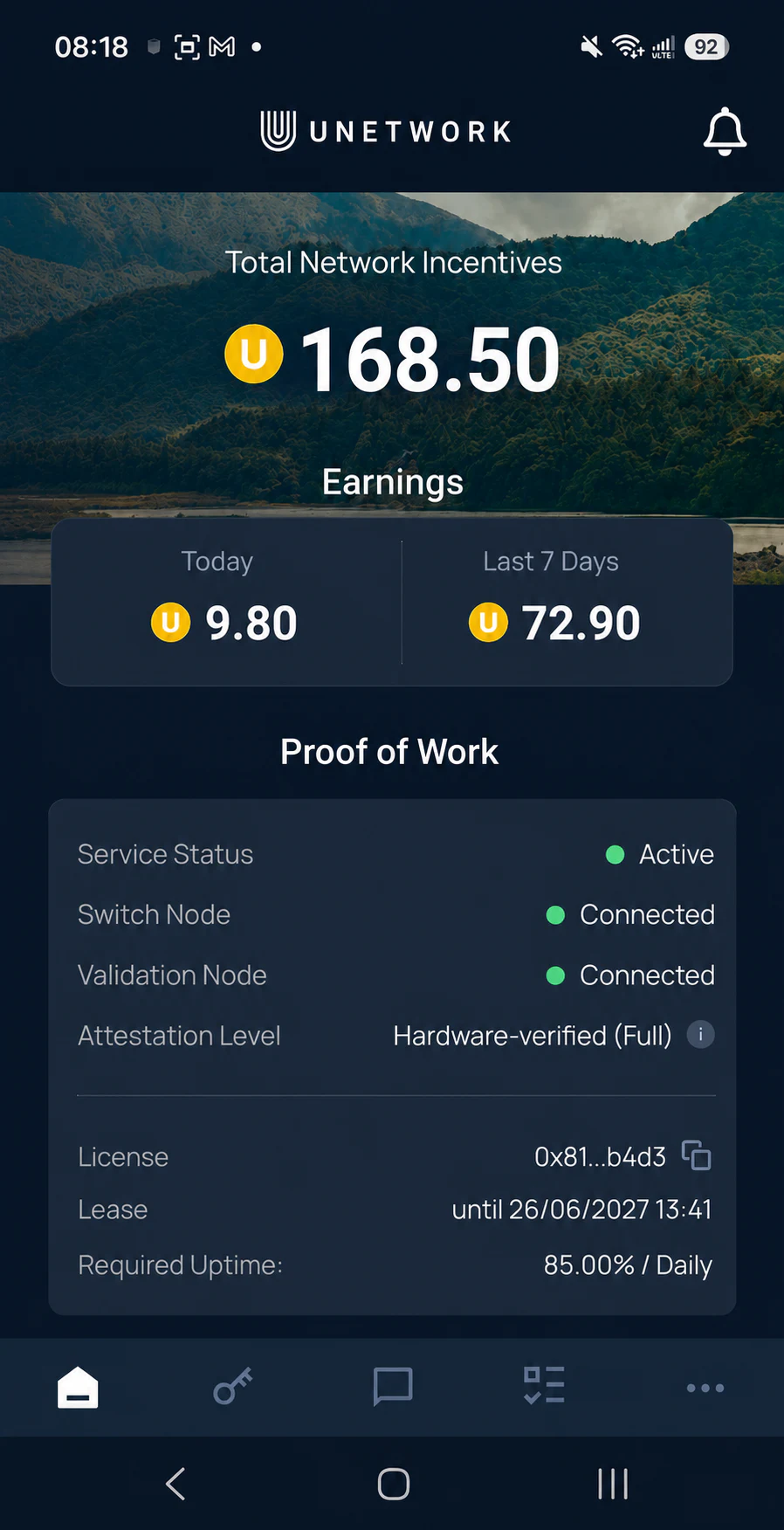
Runs in the background and measures network quality, uptime, and device conditions. Keep the app active and your phone connected.
Unetwork Club
Unetwork gives eligible devices network verification tasks. Complete them to earn rewards.
Your first step
A license is needed to let your device run the app. You need one code per device.
What Unetwork needs from you
Your phone contributes real-world observations. The app connects you to available network tests and rewards you for your participation.
Some tasks may not be available in all locations. Rewards vary on multiple factors, including how valuable your data is to the network. You can pause any task when you choose.
Simple to start
Get a code, install the official Unetwork app, then let your phone complete tasks and earn rewards.
The code will arrive directly in your mailbox.
Download Unetwork from the App Store or Google Play.
Read what each task does and what it uses before enabling it. All available tasks can earn you UP rewards.
What are Unetwork tasks
Task availability depends on your phone, location, connection, mobile network, and other factors. Some tasks run automatically, while others require your input.
Runs in the background and measures network quality, uptime, and device conditions. Keep the app active and your phone connected.
Receive a test call and report the caller ID shown on your phone. This helps confirm that the caller ID stayed correct during the call.
Receive a test message and report whether it arrived and which sender ID appeared.
Active for numbers with a +1 country code. Tests whether calls connect correctly across countries and mobile networks. More countries will be added later.
Active for numbers with a +1 country code. Repeats verified call tests to detect changes in connection and call quality. More countries will be added later.
Runs quietly in the background and lets eligible devices contribute secure randomness while connected.
Rewards
Withdraw your UP rewards to a crypto wallet or bank account.
Identity verification is required for every withdrawal. Use crypto for smaller withdrawals or bank transfer to receive USD, EUR, or GBP.
Open the portal and see how many UPs are available to withdraw.
Select a crypto wallet or bank account, then complete the identity verification shown in the portal.
Check the amount, fees, currency, network, and payment details before submitting.
Building network intelligence
Telecom companies need to know how their networks perform in the real world. The Unetwork app coordinates checks on participating phones and turns the results into useful intelligence.
The app coordinates telecom checks based on network demand.
Task requirements depend on your device, connection, carrier, and region.
The results show how routes and connections perform, helping service providers reduce fraud, optimize networks, and control costs.
Support
Unetwork has a support team ready to help you with setup and tasks.
Simple answers
Unetwork gives eligible devices network verification tasks. Some run in the background. Others need a simple action from you.
A licence lets one device use the app. You need one code for each device.
Choose an available task and complete it. The reward is added after the work is checked.
No. Tasks depend on your device, location, connection, mobile network and current demand.
This depends on the task. It may use network data, background activity, a SIM, calls or SMS. Read the task details before you opt in.
Yes. Choose the tasks you want to run. You can pause them whenever you choose.
Check your UP balance, choose a crypto wallet or bank account, then complete the required identity verification. The app shows the limits, fees and payment details before you confirm.
Unetwork does not collect any personal or identifying information from Unetwork License Operators. The system only records the technical data required to verify network activity and issue rewards (e.g; quality metrics, and anonymized device performance statistics).Unetwork is fully GDPR compliant. No names, addresses, phone numbers, or other personally identifiable details are collected or stored.
Use Unetwork Support for the app and general tasks. Use Scout & Runner Support for those tasks. Use UNO support for licence and setup help.
Local setup guidance
See licence, app setup and network task guidance for your country.
Ready when you are
Get a licence code, review the requirements, and decide which available checks are right for you.